

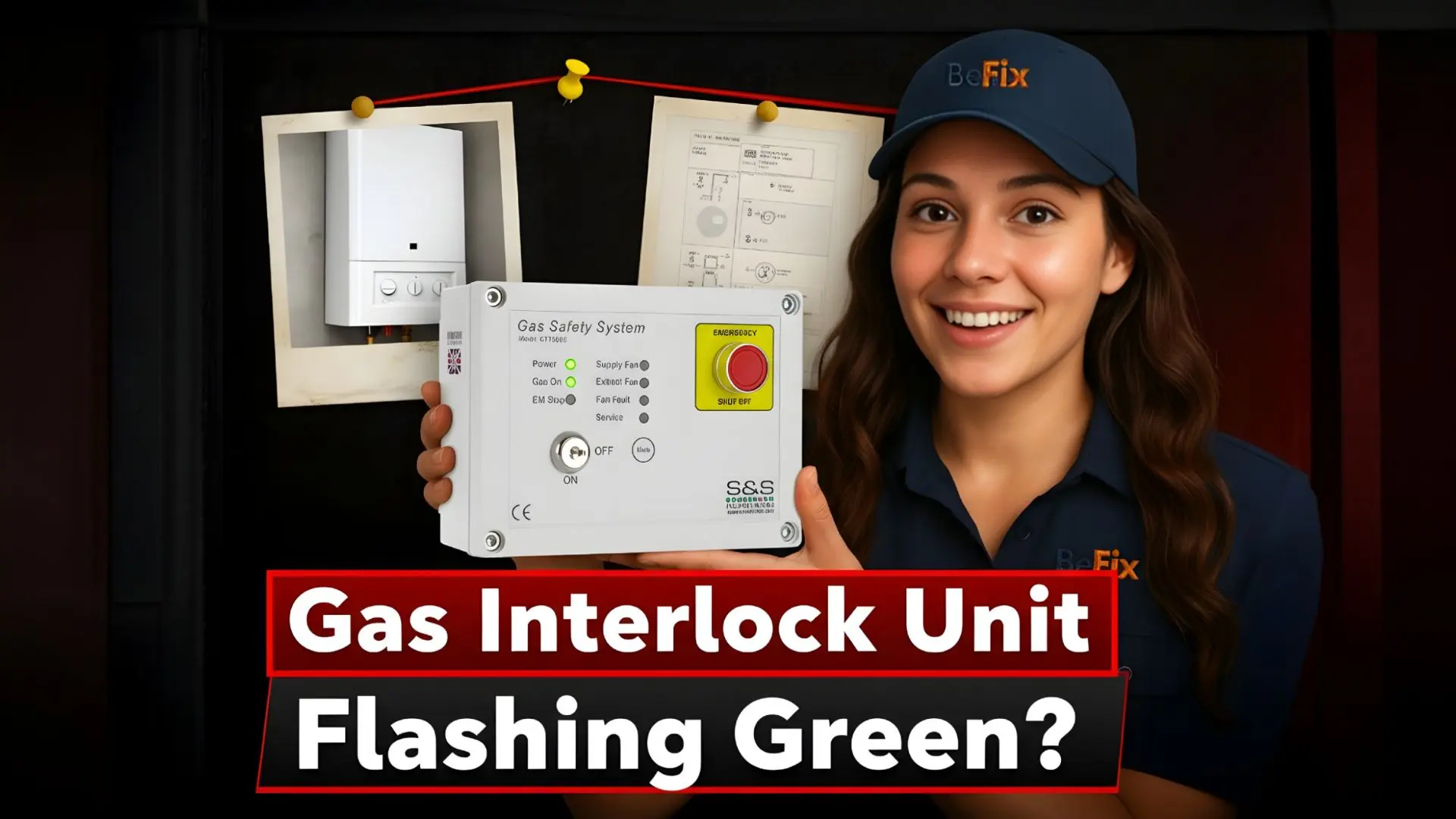
Why is My Gas Interlock Unit Flashing Green? We Explain!
We’re BeFix — Gas Safe registered engineers who respond fast and explain clearly. If a panel in your commercial kitchen is signalling with a pulsing LED, it can worry any owner.
In this short guide we’ll show what that display is likely telling you. We keep language simple and steps safe — so you can check basics without causing harm.
Often a blinking light links to ventilation proving, power or pressure behaviour under BS 6173. That matters because the interlock protects staff and premises by tying appliance operation to proven extraction.
We cover when a steady or blinking lamp is OK and when it needs a call-out. We’ll help you avoid downtime and stay compliant, or book a rapid repair with transparent pricing if you need us.
Key Takeaways
- Flashing LEDs often mean ventilation proving or power/pressure issues — check before you reset.
- BS 6173 links appliance use to confirmed extraction in commercial kitchens.
- Simple, safe checks can rule out minor causes; call engineers for faults or emergency shutdowns.
- We offer rapid response, clear upfront pricing and quality repairs to keep you compliant.
- Book online, email or call 020 8058 4241 for help in the UK.
What a flashing green LED means on a commercial gas interlock unit today
That steady or pulsing LED on your control display is trying to say something important about ventilation and gas supply.
On Blauberg SIL‑1200 and SIL‑1250 panels the “Gas On” LED shows when the gas is enabled. Supply and Extract fan LEDs show steady when proven and will pulse when a fan isn’t detected. Service Mode stays steady for an override and pulses when the service window is timing out.
Check the power LED first—if power is present and LEDs are showing, the panel is giving useful status rather than suffering total failure. Panels also verify airflow using pressure switches or current monitoring and report integration with BMS or fire alarm via volt‑free contacts.
| LED / Label | Normal | Pulsing | Action |
|---|---|---|---|
| Gas On | Steady | Rare | Note if supply is enabled; call us if unclear |
| Supply / Extract Fan | Steady | Pulse | Fan not proven — check ventilation and fans |
| Service Mode | Steady | Pulse | Override active or timing out — observe then act |
- Pulse on a fan LED usually means the panel doesn’t detect that fan — ventilation may be disabled.
- If integration with BMS or fire alarm is active, operation can be interrupted and LED behaviour will change.
- If you’re unsure — pause, note which LEDs pulse and when, then call us for friendly help: book at https://befix.co.uk/booking or ring 020 8058 4241.
Understanding LED status: Gas On, fan proving and service mode
The panel’s LEDs give a quick read on which parts of the system are healthy and which need attention.
Gas On indicator vs system Power
Power shows the panel is energised. The Gas On lamp confirms the gas supply is actually enabled. If power is present but Gas On is off, the system may be blocking supply due to unproven ventilation or an external alarm.
Supply / Extract fan LEDs
Solid LED means the fan is detected and running. A pulsing lamp shows the panel can’t see that fan. The SIL‑1250 uses built‑in current monitoring; both SIL‑1200 and SIL‑1250 accept pressure inputs for proving.
Service Mode light
When service mode is steady the override is active for maintenance. If it starts to pulse, the override is timing out — the panel will return to normal operation soon.
“Read the LEDs, note which fan or function is affected, and share that with us for faster diagnostics.”
| Indicator | Normal | Pulse | Action |
|---|---|---|---|
| Power | Lit | Never | Confirm mains and fuses |
| Gas On | Steady | Rare | Note supply state; call for help if unclear |
| Supply / Extract | Solid | Pulsing | Check fans, belts, pressure or monitoring inputs |
| Service Mode | Steady | Pulsing | Allow override to finish or re‑apply safely |
We’ll explain simply — and if you prefer, we can visit, diagnose and fix with clear upfront pricing. Book at https://befix.co.uk/booking or email info@befix.co.uk.
Book an engineer or contact BeFix
Common reasons for a Gas Interlock Unit Flashing Green
Most panels flash to signal a mismatch between airflow proving and control inputs — and that points us where to look first.
Mechanical ventilation issues are the top cause. A fan fault, worn belts or a blocked canopy stop enough air moving for pressure switches or current monitoring to prove airflow.
Grease build‑up, stuck dampers or clogged filters can all prevent pressure proving. If supply or extract isn’t proven, the fan LED will often pulse; the panel then holds off the gas to keep staff safe.
Integration triggers and external alarms
Volt‑free inputs from a fire alarm, emergency stop or building management system can also isolate supply immediately.
Sometimes a BMS event or a latched alarm is the reason — not a fan failure. Check whether any external alarm or emergency stop has been activated before resetting anything.
| Cause | What the panel sees | Action |
|---|---|---|
| Fan fault / mechanical ventilation | Supply or extract not proven | Check fans, belts, filters; re‑prove airflow |
| Blocked air path | Pressure switch stays open/unchanged | Clear canopy, dampers or filters; test switches |
| Alarm / emergency input | Volt‑free trigger isolates supply | Reset alarm or investigate source; only reset when safe |
We’ll help you narrow it down quickly — and if you need us on site, our Gas Safe engineers respond fast with clear pricing. Call 020 8058 4241.
Troubleshooting checklist: safe steps before you reset anything
Before you press a button, run through this short checklist to rule out common causes. Keep staff safe — and only reset when you’re sure conditions are normal.

Confirm power, LED status and solenoid condition
Power first — confirm the power LED is steady. Note any flashing lights and which labels show a fault.
Check whether the gas solenoid valve is energised. If the Gas On lamp is off, the solenoid valve will be de‑energised by design.
Verify extract and supply fans
Listen and look — both fans should run. Check belts, isolators and local starters for obvious issues.
If a fan LED indicates a fan fault or is pulsing, do not reset. Find why the panel can’t detect the fan.
Inspect pressure proving and monitoring
Pressure differential switches should change with airflow. Where current monitoring is fitted, confirm the fan draws current.
Check air pressure lines for blockages, loose tubing or leaks.
Check alarm integration
Ensure the fire alarm or emergency stop isn’t active and that the BMS hasn’t issued a shutdown. Volt‑free inputs can isolate the system.
Stay safe — if you’re unsure, we’ll guide you over the phone or visit promptly. Book at https://befix.co.uk/booking or email info@befix.co.uk.
Fixes that often resolve ventilation interlock faults in kitchens
Start with the basics — airflow, filters and mechanical drive. We’ll walk you through safe steps to restore operation and re‑prove the system quickly.
Restore airflow and re‑prove: start fans, clear obstructions, then recheck LEDs
Start with airflow — switch on the fans, inspect canopies and ducts, and remove any blockages. A clear path often fixes the issue straight away.
- Replace or clean filters — restored airflow can clear a pulsing fan LED within seconds.
- Check drive belts — worn or slipping belts cause poor proving; replace and tension as needed.
- Confirm monitoring — verify fan current or pressure proving; no proof means the supply remains disabled.
- Fix leaks on sensing tubes or connections — air leaks stop pressure proving even when fans run.
- Use service mode only for maintenance — then allow the panel to return to normal protection.
Panels such as the SIL‑1200 and SIL‑1250 re‑enable gas when both extract and supply are proven. If Gas On doesn’t return after you’ve proven airflow, we’ll test control paths and solenoid outputs for you.
We’ll get you back up and running — same‑day visits where possible, clear prices and quality parts. Call 020 8058 4241 or book online.
When to call a Gas Safe engineer for diagnostics, compliance and repair
Not all LED oddities need an engineer — but some signs mean you should call us straight away.
If LEDs don’t make sense, faults keep repeating or an emergency shutdown has occurred, contact a qualified team. We prioritise safety and minimise disruption in commercial kitchens and catering sites.

BeFix rapid response covers BS 6173 and DW/172 compliance checks, accurate fault‑finding and safe replacements. Our engineers test the full control path — from monitoring inputs to the valve output — and verify alarm and BMS integration end‑to‑end.
BeFix rapid response: BS 6173 compliance checks, accurate fault‑finding and replacements
We’re Gas Safe registered and we work cleanly. Expect transparent quotes, clear paperwork and prompt service.
“We investigate emergency or fire alarm triggers, reset systems safely and confirm full operation before we leave.”
Book online or contact us
Call 020 8058 4241, email info@befix.co.uk or book in seconds at https://befix.co.uk/booking. We also share updates on Instagram and LinkedIn for peace of mind between visits.
- If an emergency shutdown occurs — fire or alarm — we investigate and restore operation safely.
- We check compliance against BS 6173 and DW/172 so your kitchens stay audit‑ready.
- We verify integrations with BMS, alarm chains and catering controls to prevent repeat faults.
- Where parts are worn, we offer like‑for‑like replacements or upgrades with clear pricing.
| Call reason | What we do | Outcome |
|---|---|---|
| Unclear LED behaviour | Diagnostics and control path tests | Clear fault report and remedial plan |
| Repeated trips or emergency shutdown | Alarm investigation and safe reset | Restored, compliant operation |
| Compliance check | BS 6173 / DW/172 verification | Audit-ready documentation |
Compliance matters: BS 6173, DW/172 and correct alarm/BMS integration
Compliance keeps kitchens safe — and the right wiring and proving devices make that simple to verify. BS 6173 says gas appliances must not run unless mechanical ventilation is proven. DW/172 guides how that ventilation should be designed and tested for catering sites.
Practical checks — ensure fan proving uses pressure differential switches or the built‑in current monitoring on SIL‑1200/SIL‑1250 panels. Keep sensing lines clean and leak‑free so air pressure proving works reliably.
Use volt‑free contacts for fire alarm integration and alarm integration with BMS. Wire switches and differential switches to manufacturer terminals to avoid wiring faults.
“We document tests to BS 6173 and DW/172 so your kitchens stay audit‑ready and safe.”
- Prove mechanical ventilation and record the result for compliance.
- Confirm fire alarm integration isolates supply and shows clearly on the panel.
- Check the gas solenoid and valve are failsafe — loss of power must close the valve.
- Align BMS integration with your site strategy to prevent conflicts and gaps.
| Requirement | What to verify | Why it matters |
|---|---|---|
| Fan proving | Pressure differential switches or current monitoring | Ensures extraction is present before appliances run |
| Alarm integration | Volt‑free fire alarm and BMS inputs | Immediate isolation and clear indication on panel |
| Valve control | Failsafe gas solenoid valve operation | Prevents supply if power or proving fails |
We help you stay compliant — with clear reports, practical advice and reliable fixes. Speak to us on 020 8058 4241 or book a visit online.
Conclusion
Ready when you are — read the LEDs, confirm ventilation and let the panel tell you when the gas supply will return.
Keep safety front and centre. If a fire alarm or emergency circuit is active, the system will isolate supply to protect people and kitchens.
Check switches, pressure lines and fans for faults or leaks. Small issues like blocked sensing tubes or poor pressure differential proving often stop the system from restoring appliances.
Don’t force resets. Call our Gas Safe team — we’ll test fans, monitoring, alarm chains and the gas solenoid, then leave clear paperwork.
Need help now? Book at https://befix.co.uk/booking, email info@befix.co.uk or call 020 8058 4241.
FAQ
Why is my gas interlock unit flashing green?
A flashing green LED usually signals a ventilation or integration issue — not an immediate leak. It can mean the system is waiting for a fan to prove, a timed service override is running out, or an external input (fire alarm, emergency stop or BMS) has triggered an interlock condition. We recommend checking ventilation and alarm inputs before resetting anything.
What does a steady green light represent compared with a flashing green?
A steady green often shows the system has power and the gas enable output is active. Flashing tends to indicate a fault, a proving timeout or a temporary service override. Check the unit’s legend or manual for the exact LED mapping for your model.
How do I tell if the unit has enabled the gas supply or is just powered?
Look for the specific “Gas On” or “Gas Enabled” LED — when this is solid green the gas solenoid valve is usually energised. The general power LED may be green too, so confirm both the gas indicator and that fans are proven before assuming supply is live.
The supply or extract fan LED is flashing — what should I check?
A flashing fan LED means the controller isn’t detecting run or proof signals. Check that fans are powered, impellers can spin, belts aren’t broken and no filters or ductwork are blocked. Also verify any fan fault outputs or motor overloads aren’t open.
The service mode light is flashing — is that safe to ignore?
No — a flashing service LED usually shows a service timer is expiring or an override needs attention. It allows temporary operation for maintenance, but should be cleared and the system returned to normal promptly for safety and compliance.
Could a fire alarm or emergency stop make the unit flash green?
Yes — integration inputs from a fire alarm, emergency stop or building management system commonly force an interlock condition. The unit may flash to show an external inhibit; inspect those circuits and any linked panels before resetting the interlock.
What safe checks should I perform before attempting a reset?
Confirm mains power, read all LED statuses, ensure fans actually run and that the gas solenoid valve state matches the gas LED. Check pressure differential switches or current monitoring inputs if fitted. Isolate and investigate any external alarm or BMS signals first.
How do pressure differential switches and current monitoring help diagnose the fault?
Pressure differential switches confirm airflow where fan proving isn’t direct. Built‑in current monitoring senses motor load — low or no load can show a stopped fan. Both give reliable verification that ventilation is functioning and help pinpoint where the interlock is failing.
What fixes often clear a ventilation interlock fault in a kitchen?
Common remedies are restarting supply/extract fans, removing blockages, replacing worn belts or cleaning filters. Once airflow is restored, the unit should re‑prove and the LED fault should clear. If not, further electrical or control checks are needed.
When should I call a Gas Safe engineer or a specialist for diagnostics?
Call us or a Gas Safe engineer if you suspect a valve, solenoid, wiring fault, persistent fan fault or any safety wiring issue. Complex integration problems, BS 6173 compliance checks or component replacements need a qualified technician to keep equipment legal and safe.
What compliance standards should I be aware of for commercial kitchen interlocks?
Interlock systems should meet BS 6173 and the relevant guidance such as DW/172 for ventilation. Correct fire alarm and BMS integration, timely servicing and accurate fault logging are essential for legal compliance and safe operation.
How can I contact a rapid response service for this kind of fault?
Book online or contact us for a rapid visit — we offer diagnostics, BS 6173 checks and repairs. Visit https://befix.co.uk/booking, email info@befix.co.uk or call 020 8058 4241 and we’ll arrange a visit promptly.
One Reply to “Why is My Gas Interlock Unit Flashing Green”
So helpful notes we booked. BeFix and got everything sorted